Add menu does not open or the window jumps
The app can re-layout when it regains focus. Click Add again.
You can install and use the Ziply plugin only after signing in to the ChatGPT desktop app. Screenshots are included for each step to guide you through the process.
Open Plugins from either one. It does not work in the IDE extension, which does not support plugins. OpenAI documents plugins as shared between ChatGPT and Codex, so a plugin installed once is available in both.
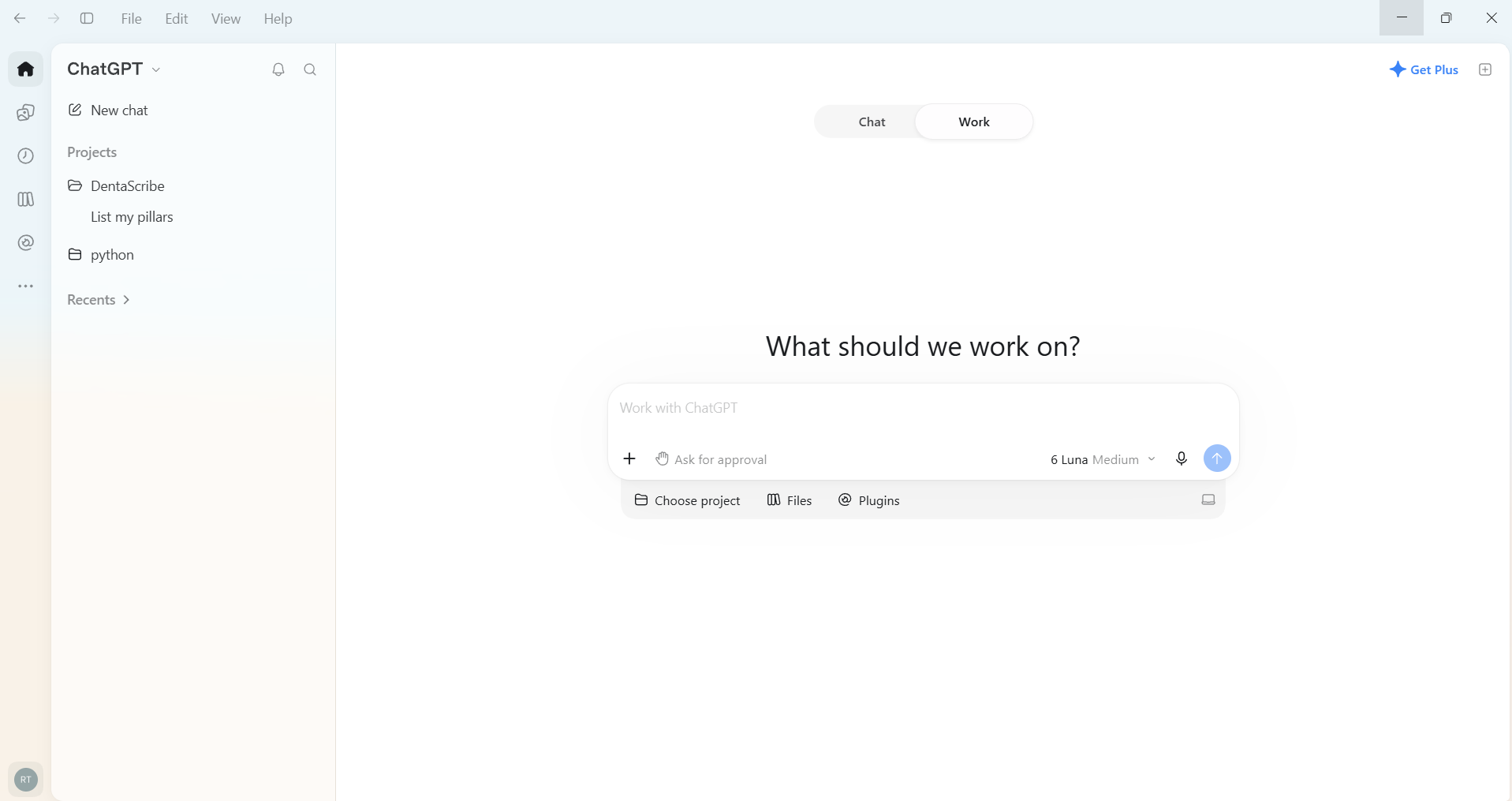
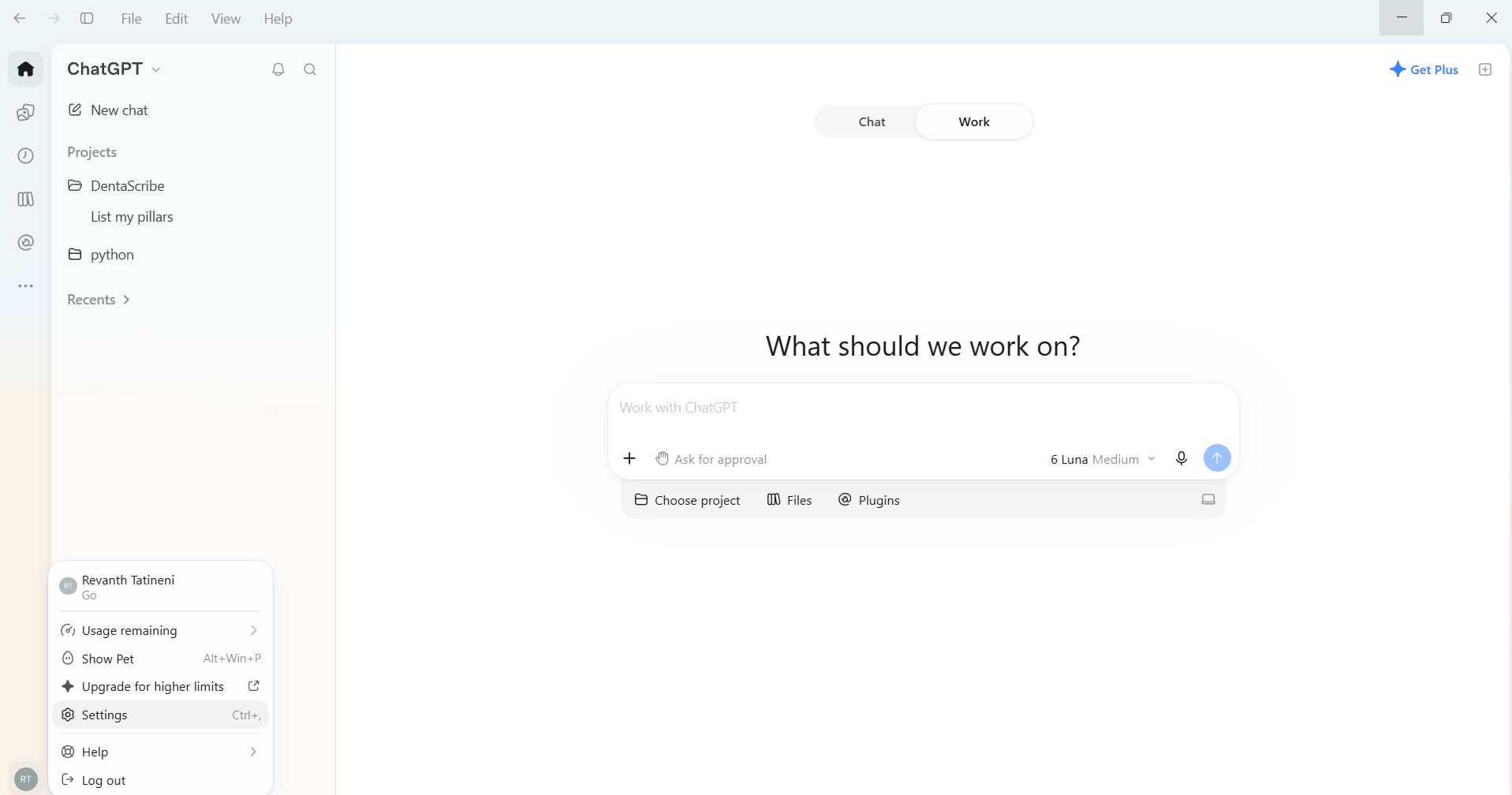
In the ChatGPT desktop app open Settings → Plugins (under Integrations). Click Add at the top right.
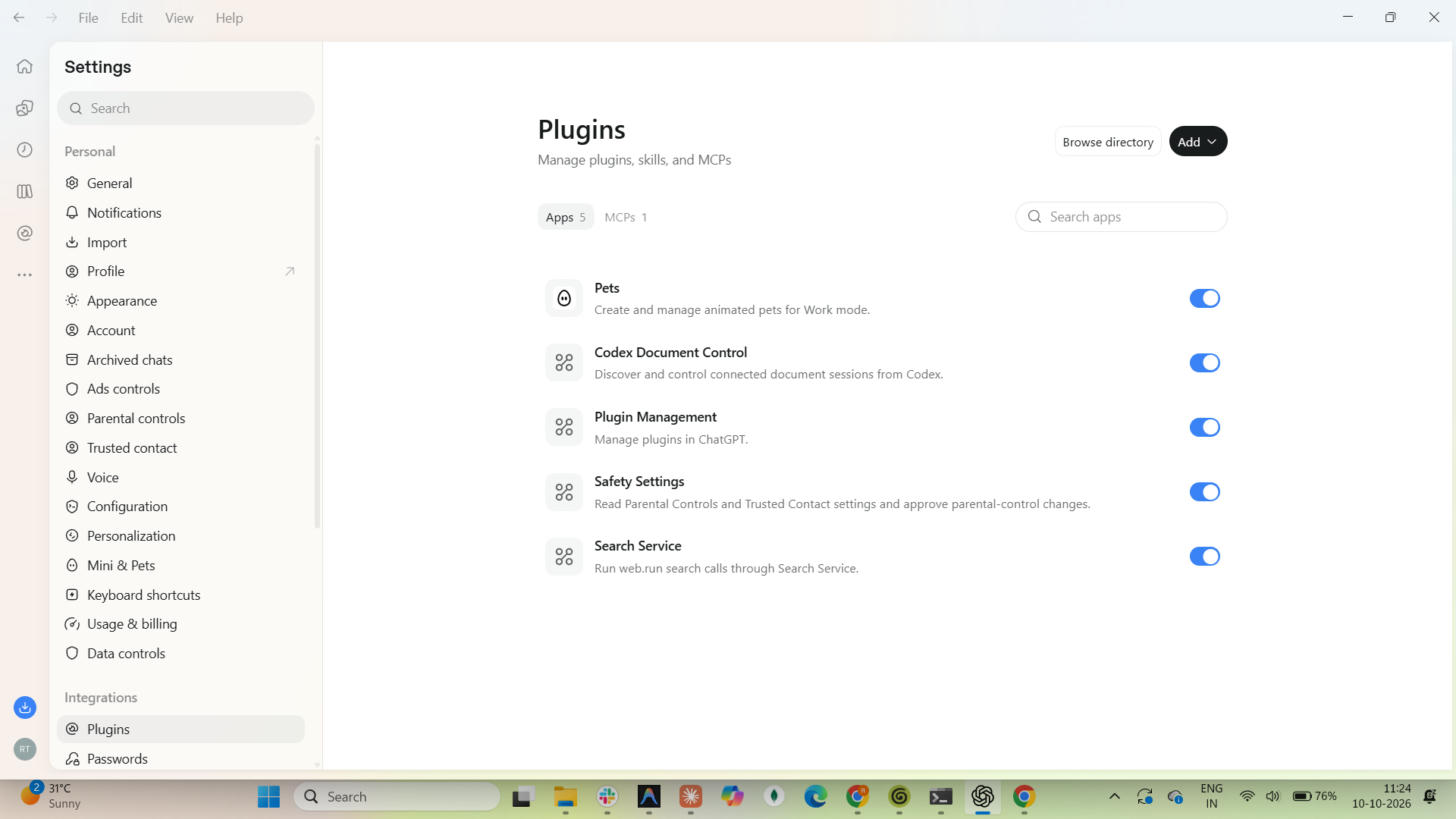
Choose Add a marketplace. The other options are Create plugin and Add MCP server.
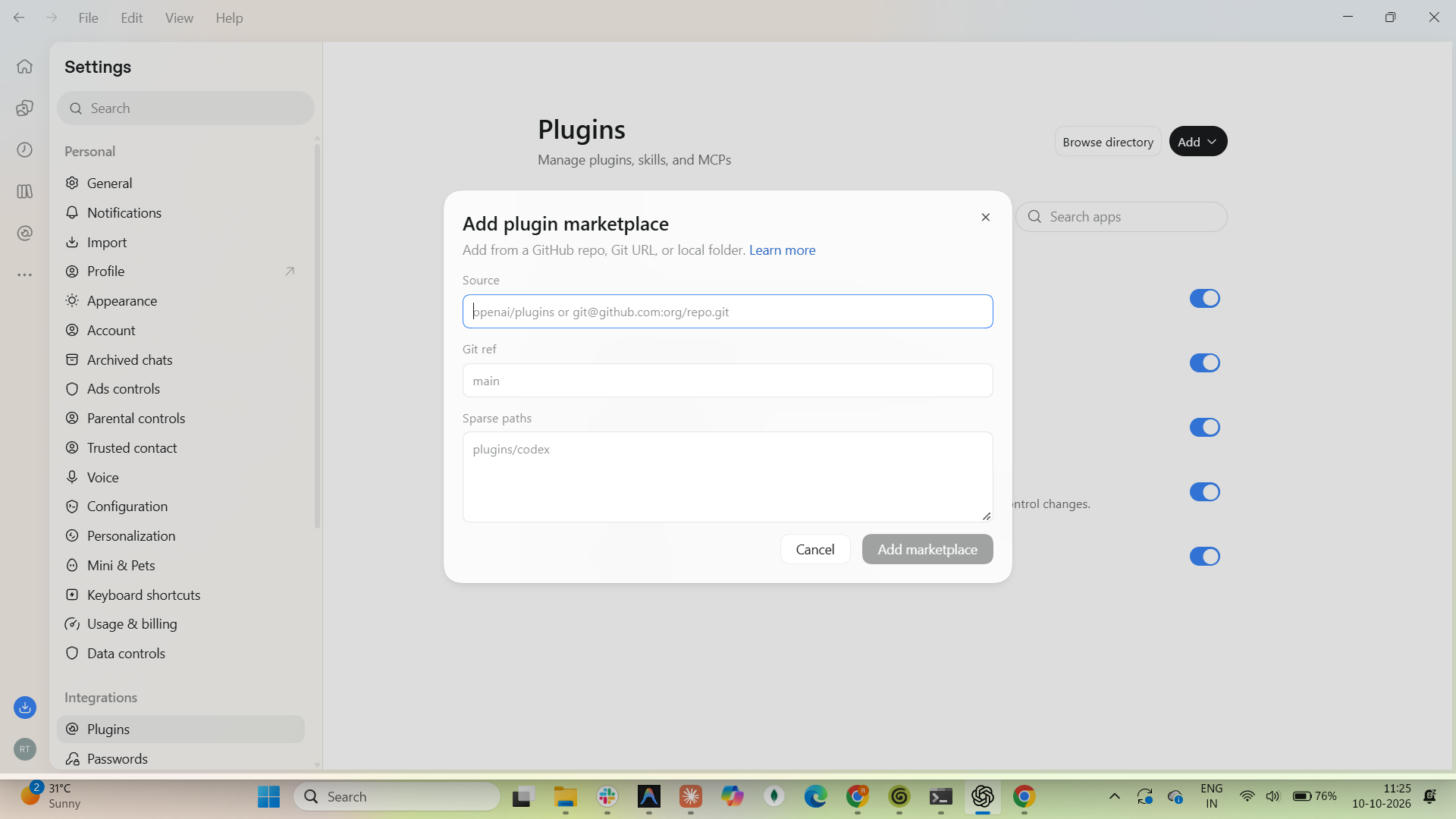
The Add plugin marketplace dialog opens. It accepts a GitHub repo, a Git URL or a local folder.
Enter https://github.com/ZplyAI/ziply-mcp-plugin.git in Source. Leave Git ref and Sparse paths empty, then click Add marketplace.
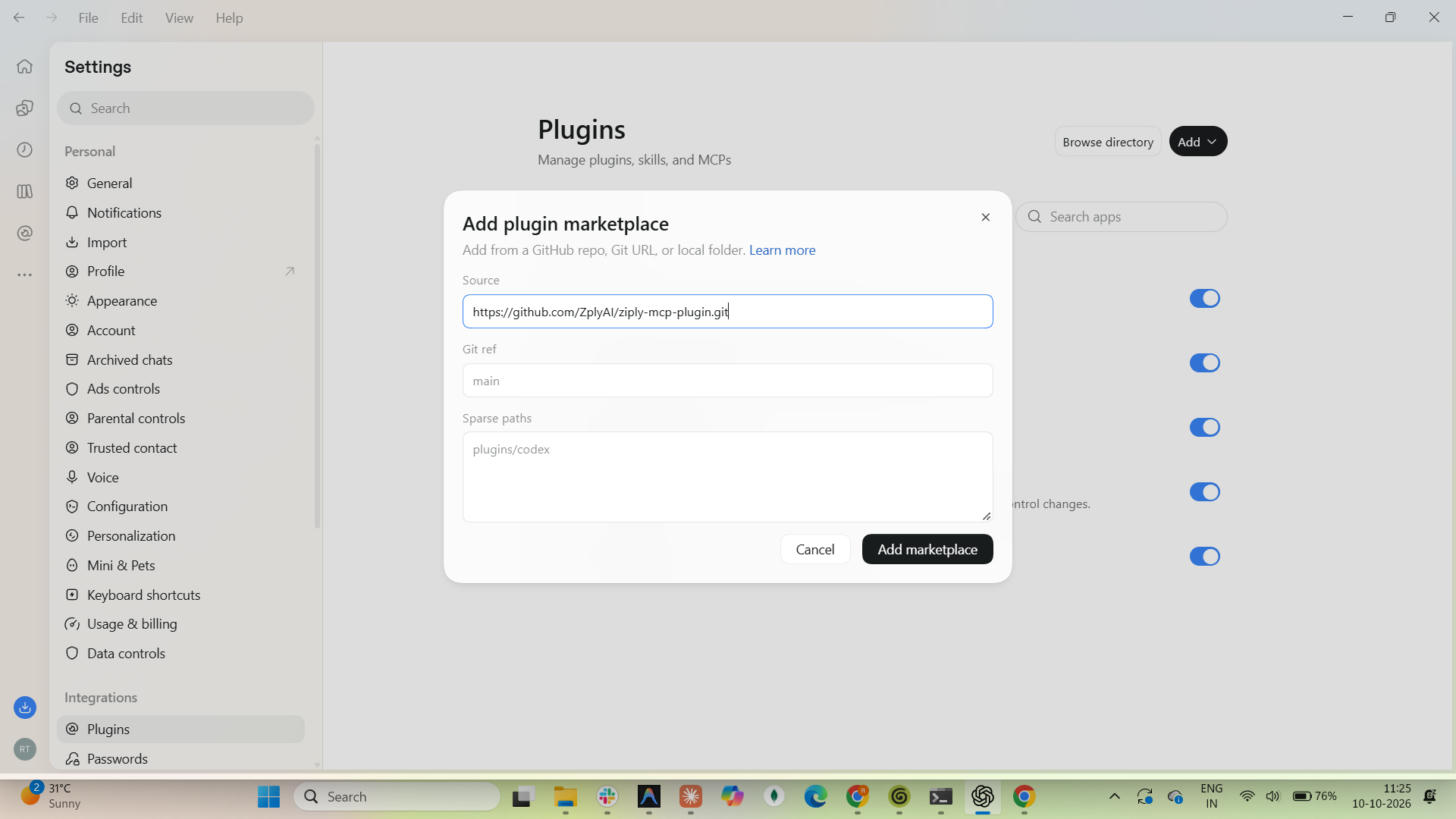
A "ziply marketplace added" message appears.
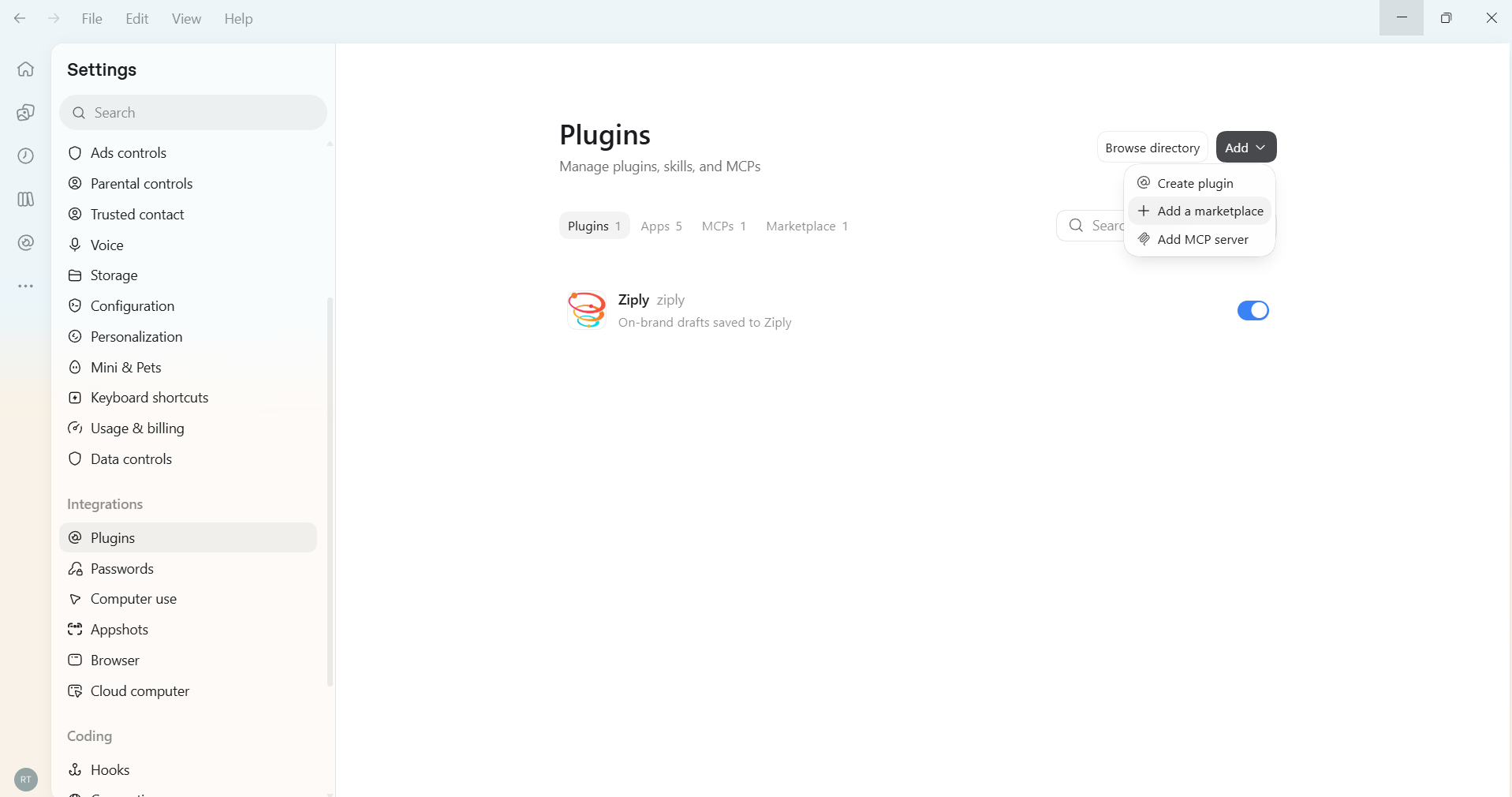
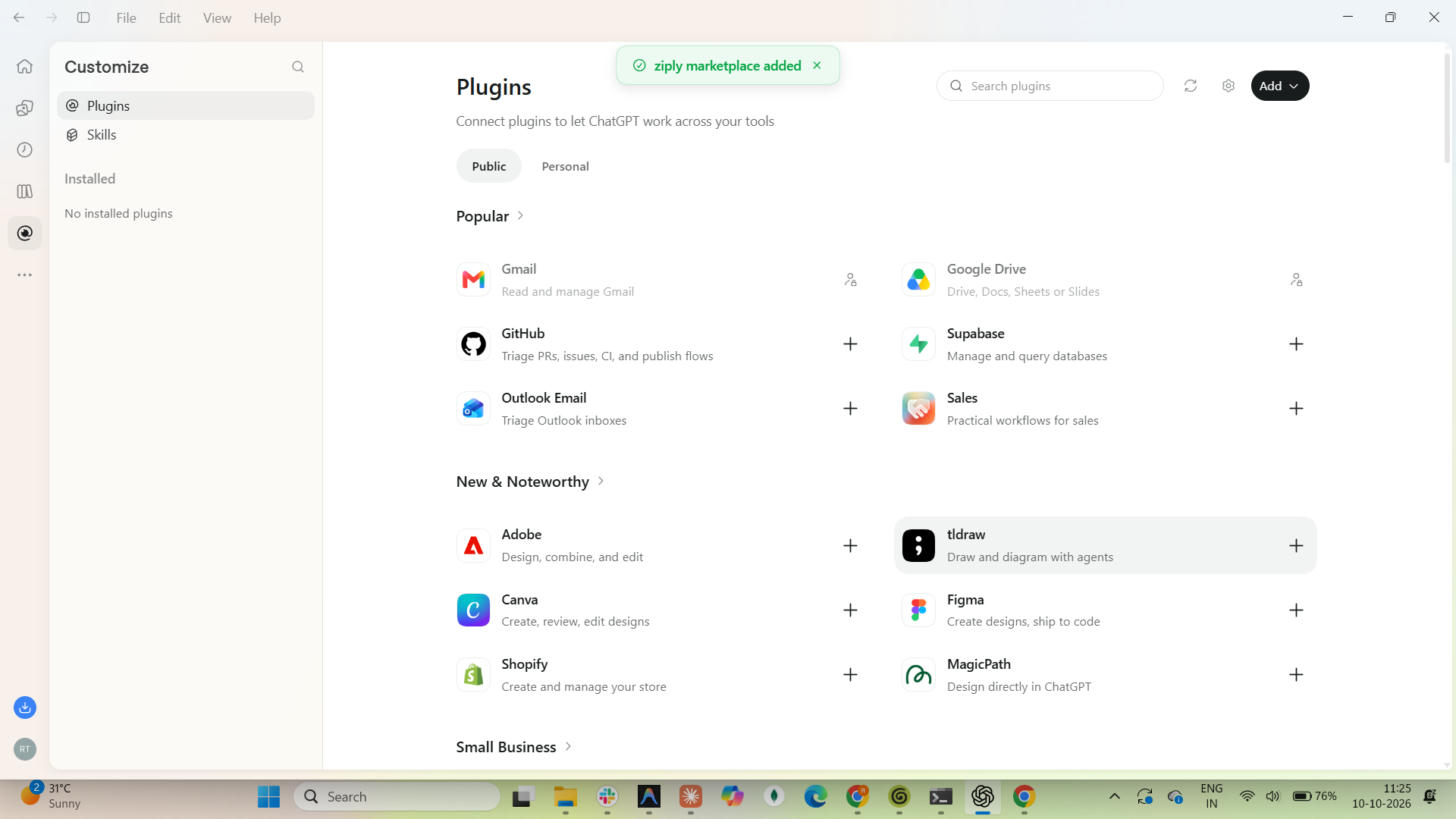
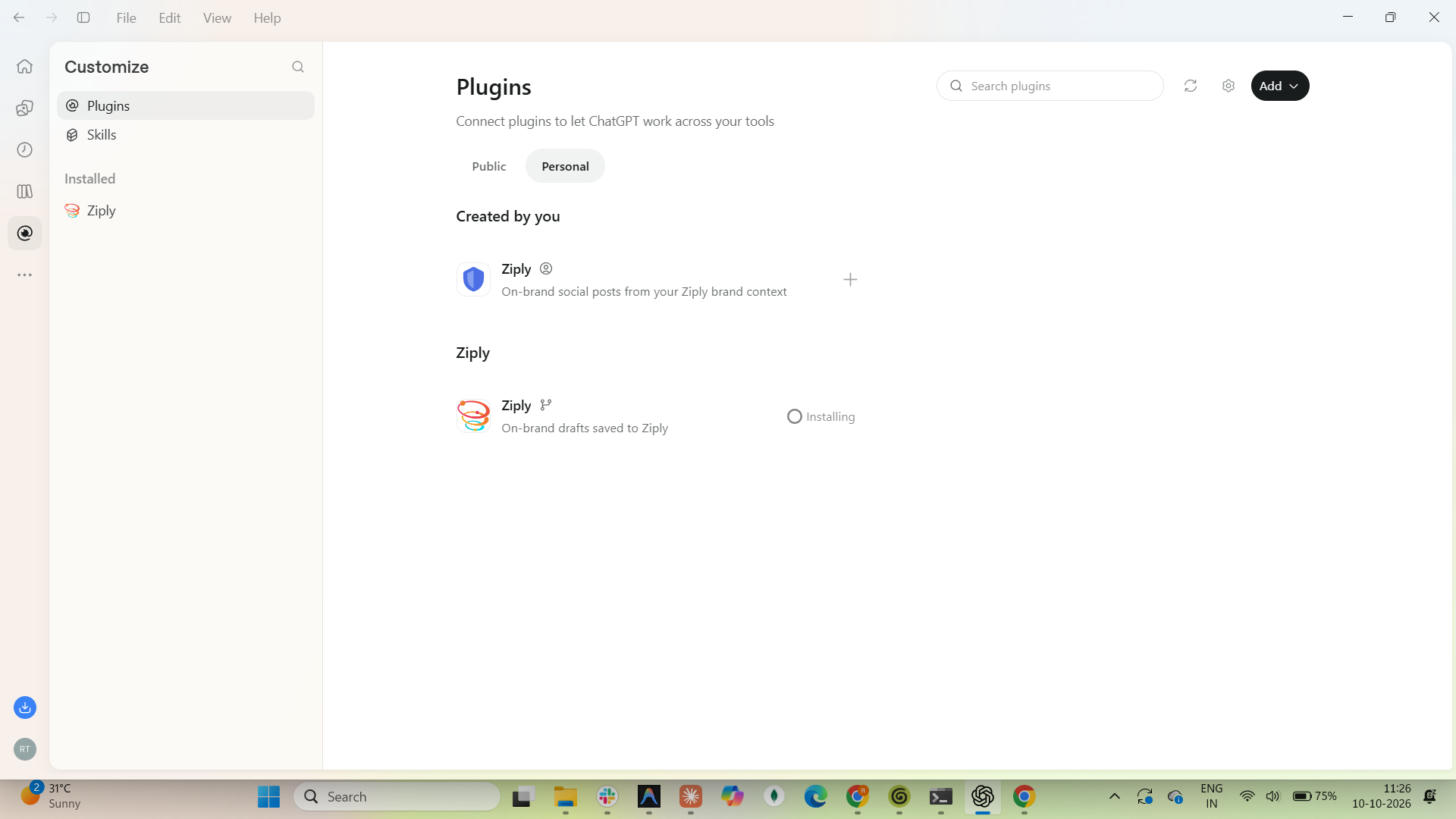
Open the Personal tab. The repo's plugin is listed under the Ziply heading, with a git icon and the description "On-brand drafts saved to Ziply". Click the + next to it.
It shows Loading, then Installing.
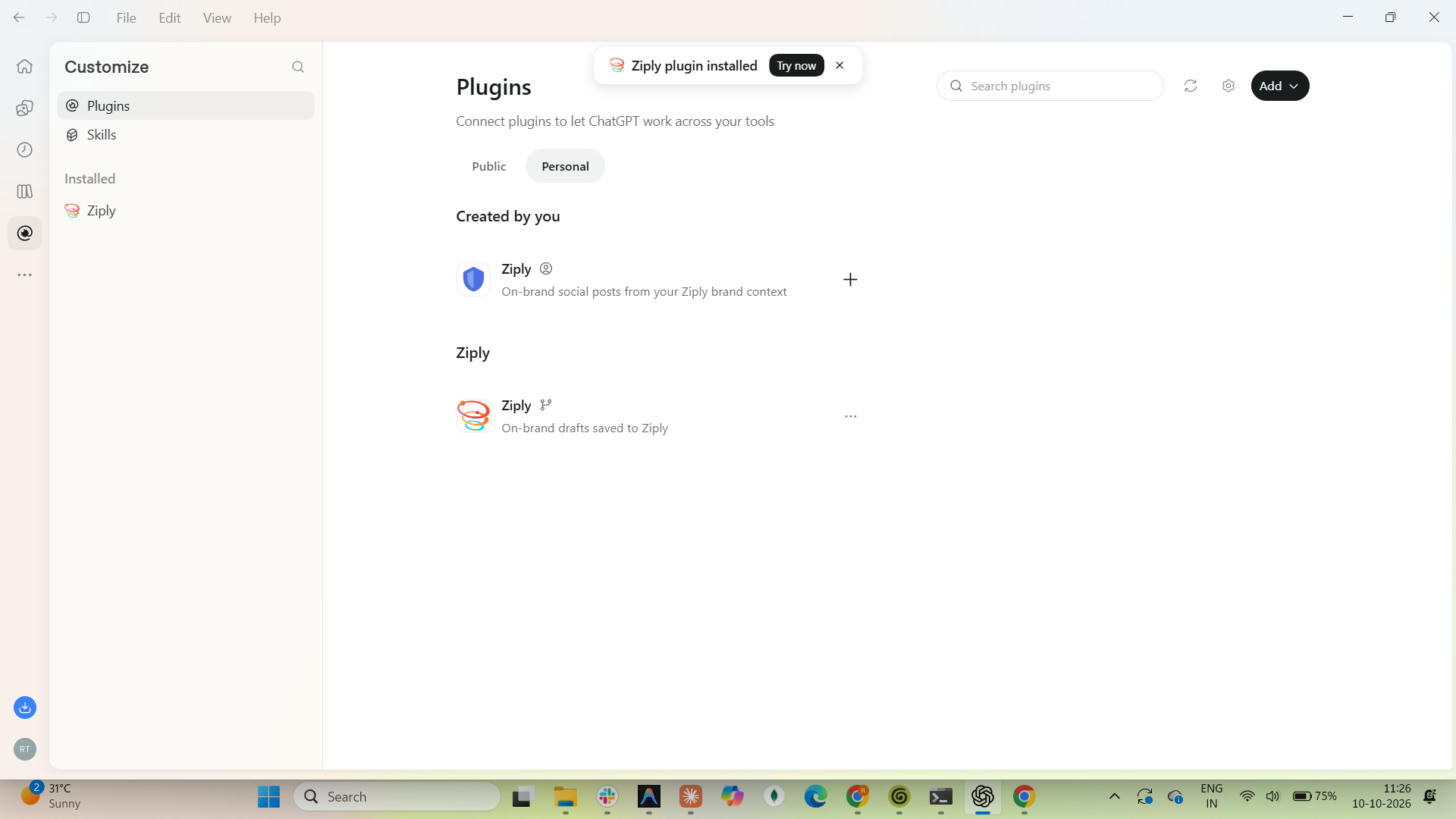
When it finishes, the message "Ziply plugin installed" appears and Ziply is listed under Installed in the sidebar.
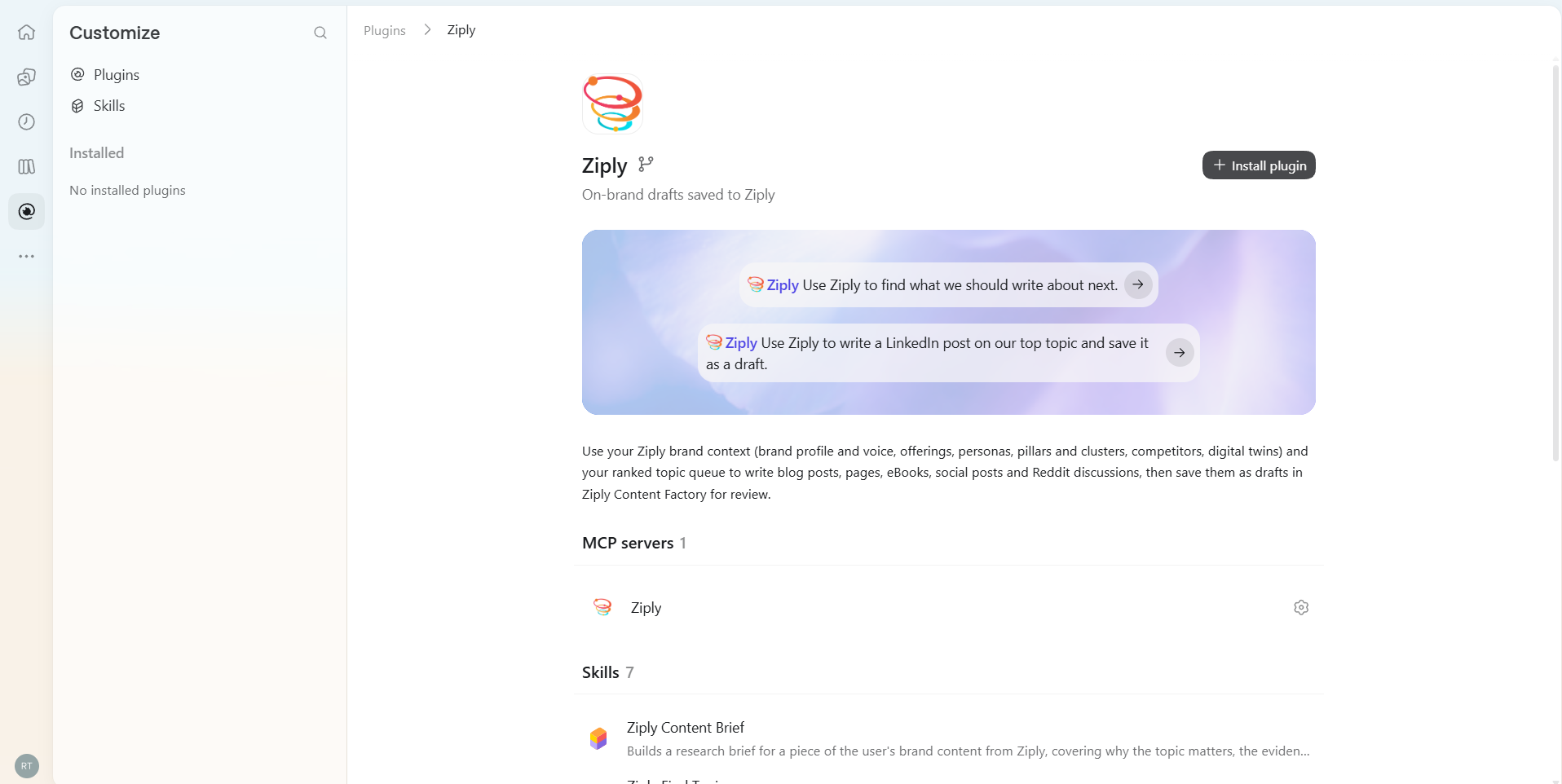
Open Ziply from the sidebar. The plugin has one MCP server (ziply) and 7 skills.
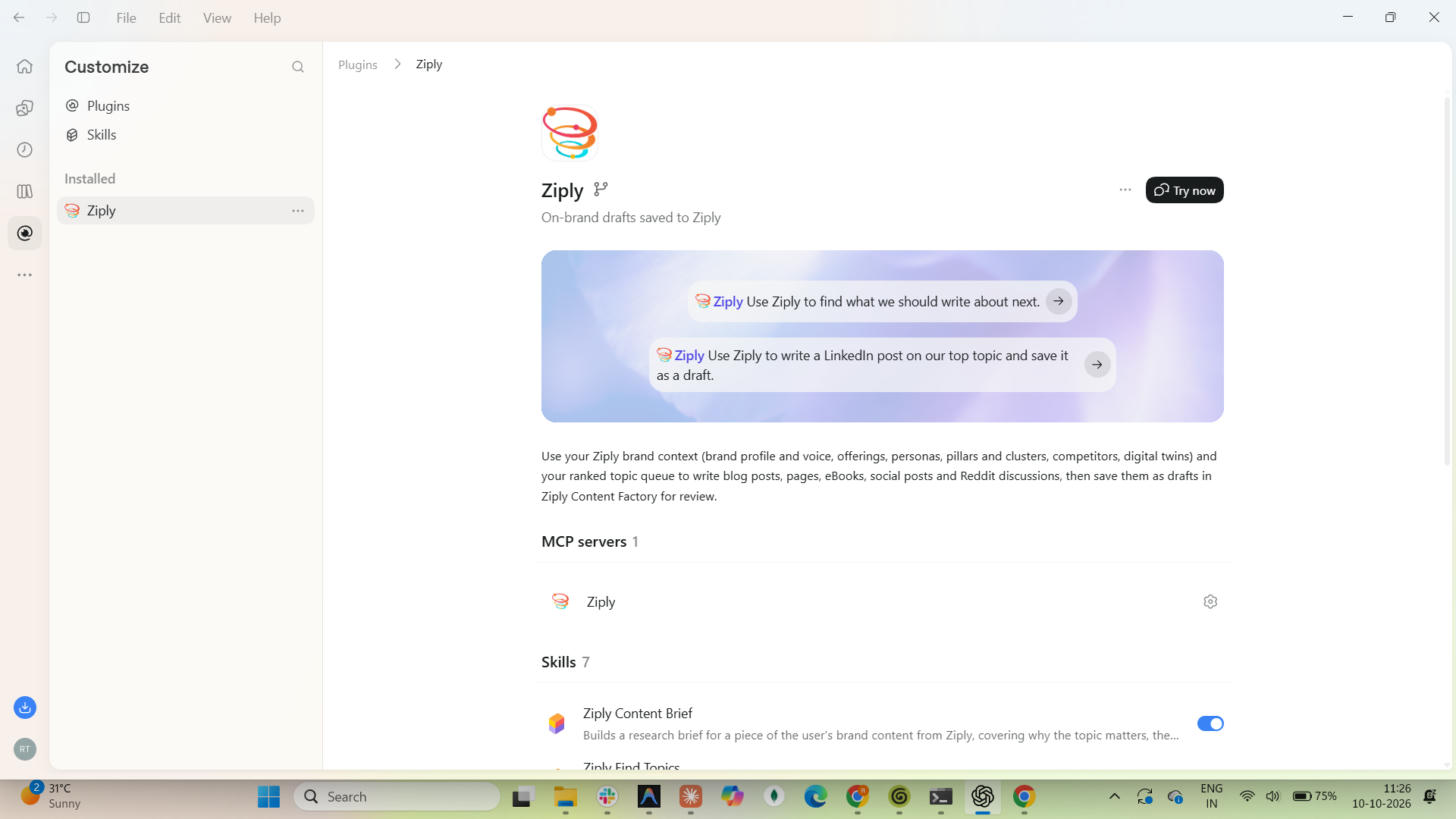
Click the gear next to the Ziply MCP server. This opens Settings → Plugins → MCP servers. Under From plugins, the ziply server shows Authenticate. Click it.
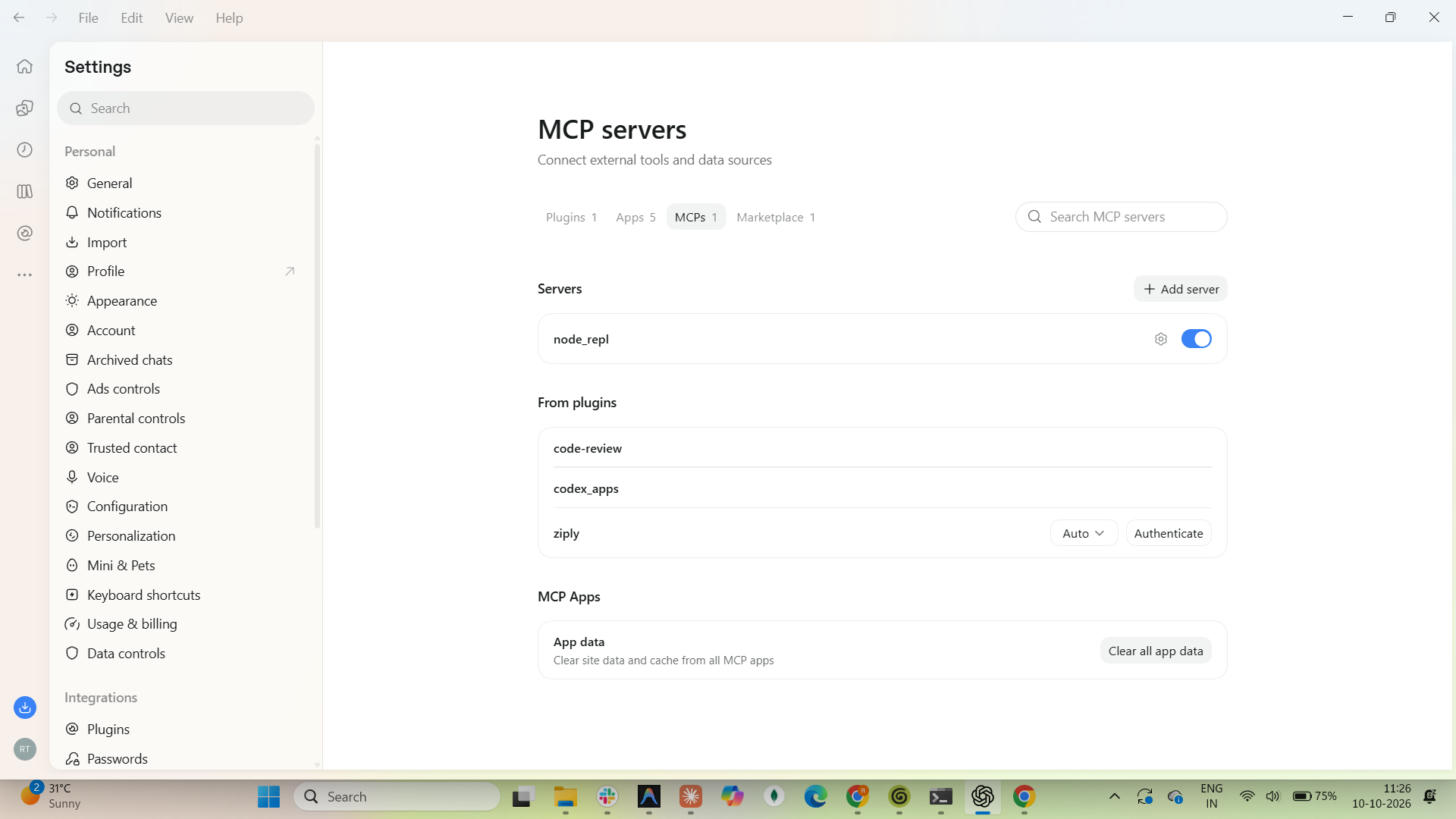
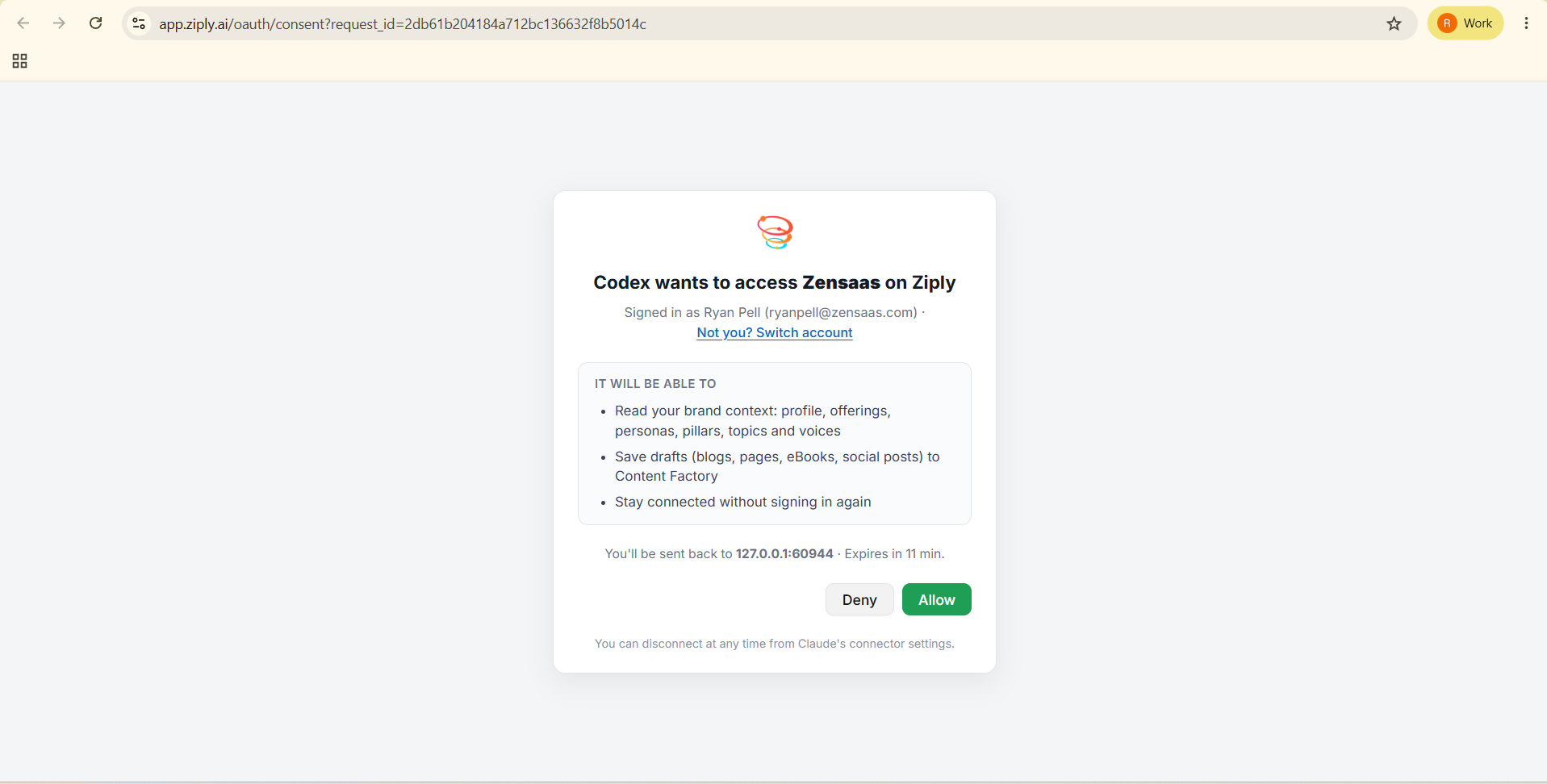
Your default browser opens the Ziply sign-in. Sign in with your Ziply account. Ziply then shows a consent screen, "Codex wants to access <workspace> on Ziply". It lists what the plugin can do:
Click Allow. The request expires after about 10 minutes. You are sent back to a 127.0.0.1 address, which is the ChatGPT app receiving the result.
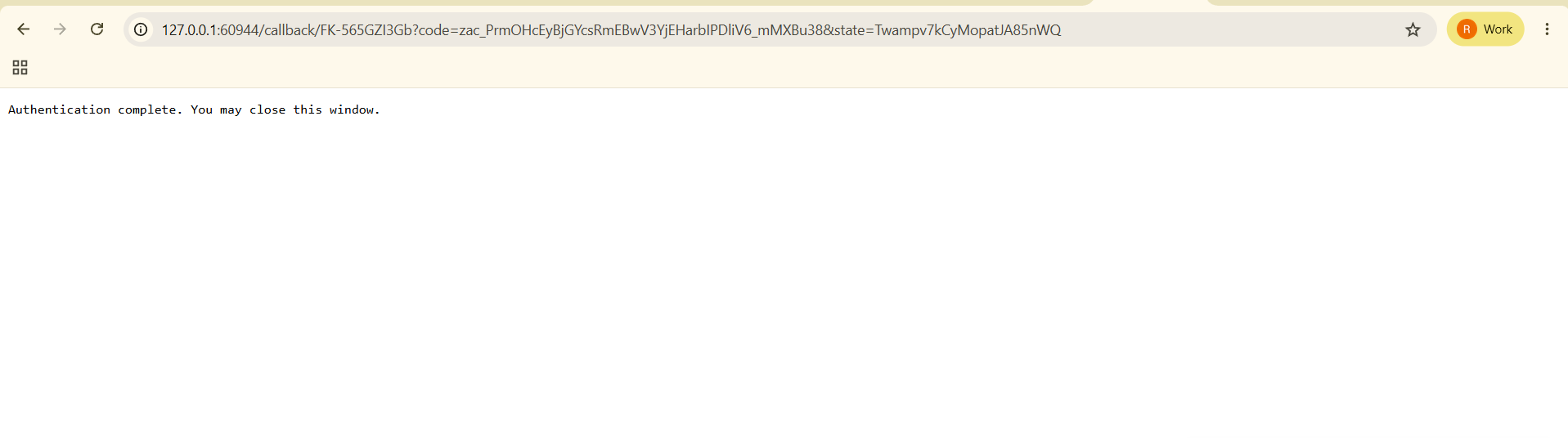
The browser shows "Authentication complete. You may close this window." Close the tab.
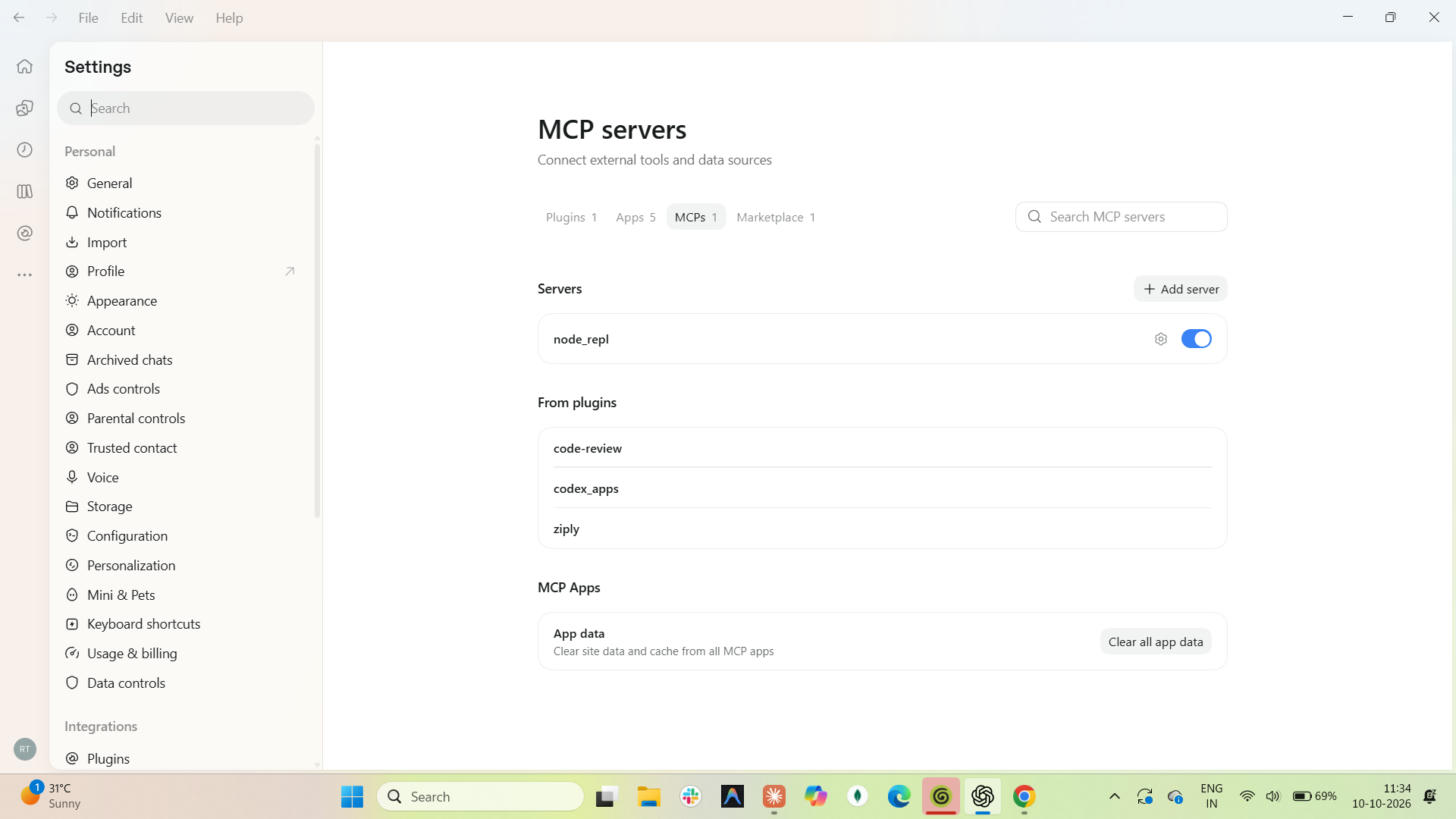
Back in Settings → Plugins → MCP servers, the ziply row no longer shows Authenticate. Setup is complete. Open a new chat to use the plugin.
Open a new chat to use the plugin. Installed plugins only apply to new chats.
The app can re-layout when it regains focus. Click Add again.
Switch to another tab in MCP servers and back to refresh. If it still shows, reopen the ChatGPT app and check again. If it keeps showing, click Authenticate and go through the sign-in once more.
Start again from Authenticate.
Use the one under the Ziply marketplace heading in the Personal tab.